Frequently asked questions
How syncing, plans, and Runtake Insights work. Still stuck? Email support@runtake.app.
How does syncing work?
Runtake reads your runs from Apple Health. Whatever app you already record with — Strava, Garmin Connect, Nike Run Club, or the Workout app on Apple Watch — writes its runs to Apple Health, and Runtake picks them up from there. When using Apple Health sync, you don't need to connect each service to Runtake separately, and you don't change how you record a run.
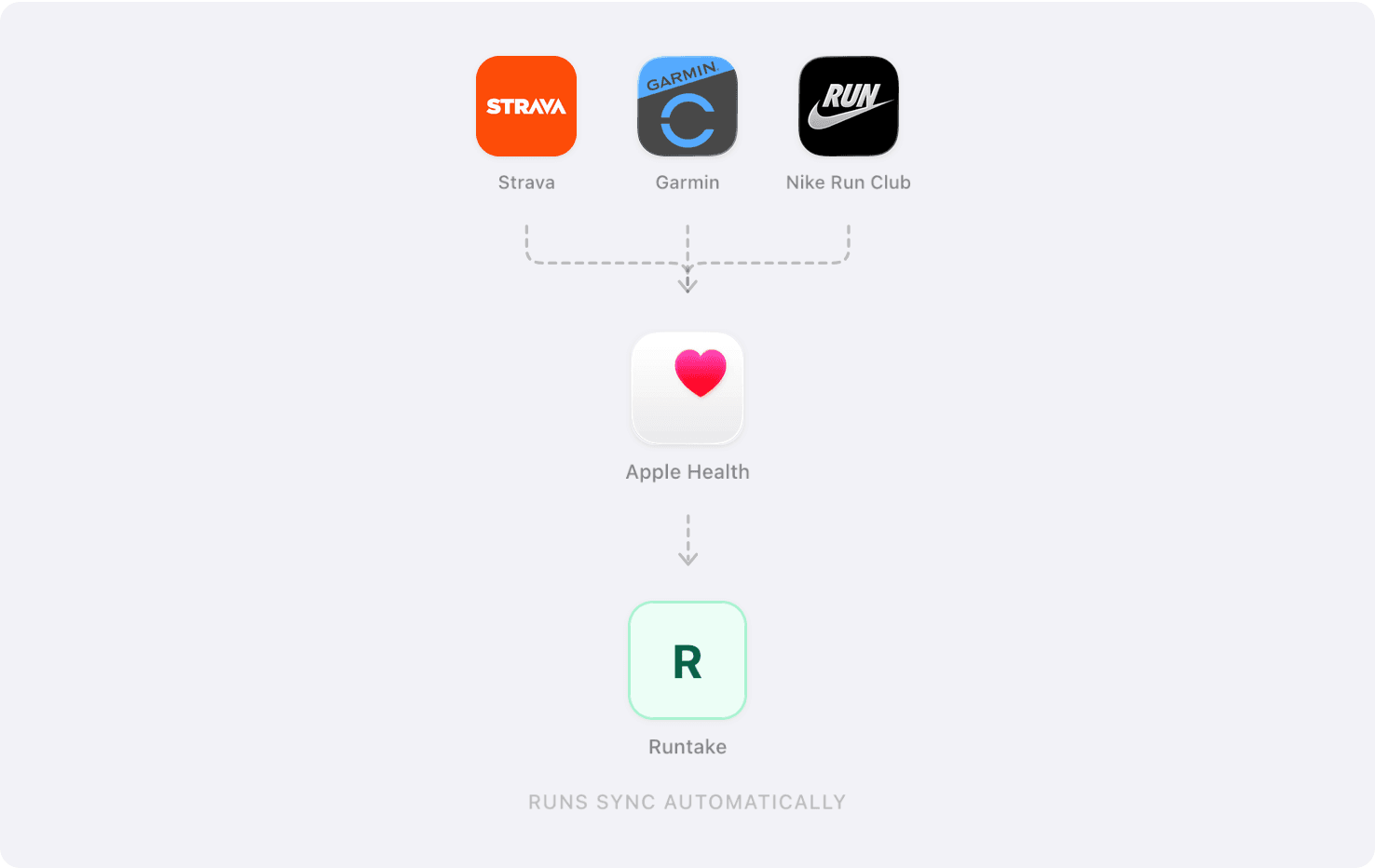
On first sync Runtake imports everything Apple Health already holds — not just recent runs — so plans and insights have something to work from on day one. Apple Health only holds what your running app has written to it, so if you're turning that on now, your log starts from today. You can change how far back Runtake looks in iOS Settings → Sync → Import History. After that new runs appear on their own; you can also pull manually with Sync now on the home screen.
Which running apps are supported?
Any app that writes workouts to Apple Health, which covers Strava, Garmin Connect, Nike Run Club, Runkeeper, and Apple Watch. If your app has a “write to Apple Health” or “sync to Health” setting, turn it on and every run you record from then on reaches Runtake. Apps don't backfill runs you've already done, so your past stays where it is.
How do I import my run history?
If your runs are already in Apple Health, Runtake imports them on first sync. If they aren't, it depends on where you record. Strava can connect to Runtake directly, which brings your history across over Strava's own API rather than through Apple Health. For other apps there's no way to move old runs into Apple Health after the fact, so Runtake starts from your next run.
How are training plans built?
Plans start from published approaches used by coaches, then adapt to your recent mileage, your long-run day, and your goal race date. Every week and every day stays editable — change a distance, move a workout, or rebuild a block whenever the plan stops matching your life.
What do Runtake Insights look at?
Each run is read against your history: pace, heart rate zones, weather, and how you rated the effort afterward. Weekly summaries compare planned against completed mileage. The point is context — whether a slower run was heat, fatigue, or nothing at all.
Can I use Runtake on the web?
Yes, on one account. The phone is for the day in front of you; the web is where planning months ahead, working backwards from a race, and reviewing your full history are easier.
What happens to my health data?
Runtake reads the workout and biometric data you grant in Apple Health, and uses it to build your plans and insights. See the privacy policy for the full detail.